Pink Roses Watercolor
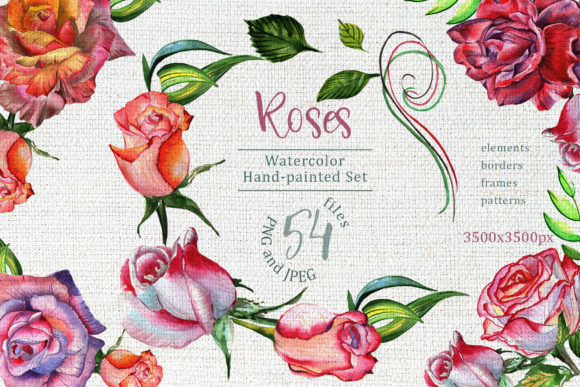
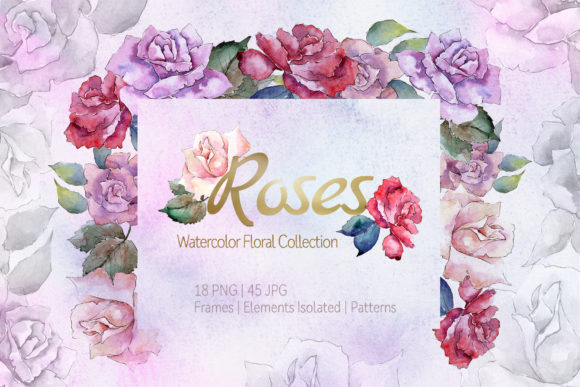
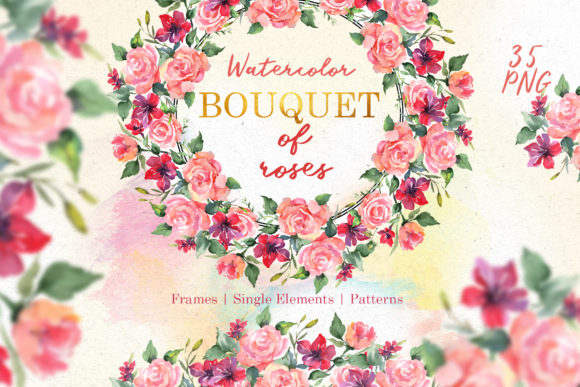
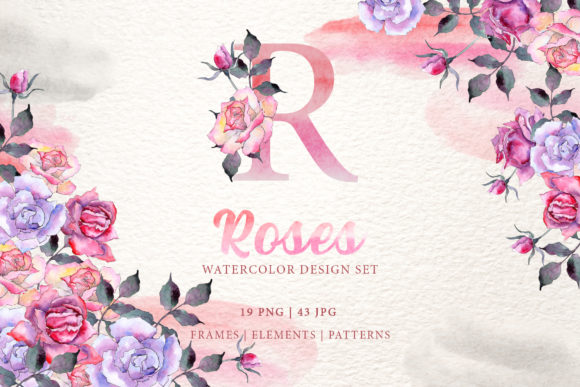
If you have ever tried to bring the soft, romantic feel of watercolor roses into a project without actually picking up a brush, you probably know how challenging it can be to get that genuine hand-painted look. Pink Roses Watercolor is a collection of 62 files that lets you skip the messy paints and still get the delicate, artistic vibe you are after. The pack includes 19 PNG files and 43 JPG files, all built around high-detail aquarelle illustrations of pink roses, frames, borders, patterns, and isolated elements. Each image was painted by hand, digitized at 300 dpi, and saved as a separate file so you can grab exactly what you need without digging through layers you do not want.
The PNG files come with a transparent background, which means you can drop them onto any surface—a wedding invitation, a blog header, a product label—and they will sit there naturally. The JPG patterns and frames are sized at 3500x3500 pixels, giving you plenty of resolution for print work. Whether you are making one greeting card for a friend or producing a run of posters for an event, this collection tries to cover the bases: isolated blooms, repeating patterns, decorative borders, and full frames ready to use as backgrounds or textures.
Where and when people actually use this collection
The real value of any design resource comes down to how it fits into real projects. Here are a few situations where Pink Roses Watercolor tends to show up most often, based on what people who buy these packs actually do with them.
Wedding and event invitations
Wedding stationery is probably the most obvious use case, but it is also the one that demands the most from the artwork. Couples often want something that feels personal, not generic. A watercolor rose PNG can be placed behind the ceremony text, used as a border along the edge of the RSVP card, or repeated lightly as a background pattern on the program. Because the PNG files have no background, you can overlay them on colored paper or textured cardstock without any white box showing up. The 300 dpi resolution means the petals stay crisp even when printed at full size. If you are a small stationery business owner creating custom invitations, you can scale the isolated roses up or down, change their color slightly using photo editing software, and combine them with your own typography to give each client something unique without starting from scratch every time.
Greeting cards and personal notes
Greeting cards are another space where hand-painted elements make a noticeable difference. A birthday card that uses a real watercolor rose feels more thoughtful than one built from a vector clipart shape. You might take one of the JPG frames, drop a photo of the recipient in the center, and add a short handwritten or typed message in the white space around the roses. The patterns in the collection work well as the inside background of a card, giving it a subtle floral texture that does not compete with the main text. Because the files are separate, you can mix and match one rose from a PNG with a border from a JPG, or use a pattern as the envelope liner. People who run small shops on platforms like Etsy often use these elements to create printable card sets they can sell as digital downloads.
Blog and social media graphics
Bloggers and content creators dealing with lifestyle, beauty, wedding planning, or home decor topics frequently look for visual assets that feel warm and approachable. A pink watercolor rose placed next to a quote about self-care or love immediately communicates a gentle, feminine aesthetic. Since the PNG files keep the transparency, you can place them on top of a blog post featured image, use them as dividers between sections, or add a small rose next to a sidebar heading. The isolated elements are especially useful for social media posts where you want a cohesive look across Instagram stories, Pinterest pins, and Facebook covers. A single rose can be cropped, rotated, and reused in multiple posts, maintaining brand consistency without needing new artwork every week.
Classroom materials and educational resources
Teachers, tutors, and homeschooling parents sometimes need attractive but not distracting visuals for worksheets, flashcards, or lesson slides. A watercolor rose border around a poetry exercise or a biography project adds a decorative touch that makes the page feel finished. Because the JPG files are large (3500x3500), you can shrink them for small cards or use them as full-page borders without worrying about pixelation. Educators who create their own classroom decor, like name tags, bulletin board headers, or behavior charts, can pull roses from the collection to add a cohesive floral theme across the room. The hand-painted style also works well for art history lessons on watercolor techniques or botanical illustration, giving students a close look at how real brush strokes behave.
What makes the files different from standard clipart
Many floral clipart packs use vector shapes that look flat or computer-generated. Pink Roses Watercolor relies on actual hand-painted strokes, which gives each file subtle variations in color intensity, brush texture, and edge softness. That unevenness is exactly what people want when they are going for an artistic, not-too-perfect look. The 300 dpi resolution ensures that the textures remain visible even when you print at large sizes, so a poster sized 24 by 36 inches will still show the paper grain and color blending of the original painting. The separate file structure also means you are not stuck with a single layout. You can arrange multiple roses on a page, overlap them, or cut out specific petals if you need just a small detail for a project.
Practical considerations before you start
Before downloading or buying a pack like this, think about how you plan to edit the files. The PNGs are raster images, so resizing them much larger than their original dimensions will eventually cause blurriness. If you need to blow a rose up to fill a full poster, you might want to test the resolution by printing a small section first. The JPG patterns and frames are already at a high resolution, so they can handle downscaling well. Color editing is possible in most photo editing software, but keep in mind that the hand-painted gradient will change differently than solid vector color. A good approach is to use the elements in their original color palette of soft pinks, creams, and greens, and adjust only the background or surrounding design to match your brand. If you are using the transparent PNG files on a colored background, be aware that the roses have soft edges that may show the background color through slightly, which usually enhances the watercolor effect rather than harming it.
Who benefits most from a collection like this
Freelance graphic designers and branding consultants often buy packs like this to have a library of organic elements they can pull from quickly. Instead of painting roses from scratch for each client, they can modify existing files, saving time while still delivering custom-feeling work. Small business owners who make their own product labels, packaging inserts, or thank you cards appreciate that the high resolution holds up in print runs of 50 or 100 units. Hobbyists who enjoy scrapbooking, bullet journaling, or making handmade gifts find that the isolated PNG files let them resize a rose to perfectly fit a corner or a title page. The fact that each image is a separate file means no cropping, no removing backgrounds, and no adjusting layers. You just open the file, place it where you want, and move on.
Combining elements with typography and other graphics
A lot of the value comes from how well these flowers mix with other design components. You could pair a frame from the JPG collection with a bold serif font for a formal wedding invitation, or use a light pattern as the background for a modern sans-serif quote. Because the watercolor texture has a hand-done feel, it contrasts nicely with clean, geometric typography. For more rustic or vintage themes, the roses blend well with script fonts and worn textures. The PNG isolated roses can be placed behind text as a decorative overlay, with the text color matching one of the subtle pink tones from the flower. If you are building a website banner, you might place a rose in the corner and add a semi-transparent rectangle behind the title text so the flower and the text both stay readable.
Final thoughts on getting the most out of the pack
The real strength of Pink Roses Watercolor lies in its flexibility. Because you have both transparent PNGs and high-res JPG patterns and frames, you can adapt the same elements for digital screens, printed materials, and even physical products like fabric, mugs, or tote bags if you use the correct transfer methods. Think about the medium first: for screen use, PNG files are ideal because they load quickly and retain transparency. For print, JPG frames give you a solid white background if needed, or you can combine them with the PNG roses for a layered effect. If you are new to working with watercolor art files, start with a simple project like a greeting card or a social media post. That way you can see how the brush strokes look at different sizes and how the colors interact with your chosen background. Over time, you will develop a feel for which elements work best for borders, which roses work as focal points, and how to balance the softness of the paint with sharper text or logos. Whether you are a seasoned designer or someone making a one-time invitation, this kind of hand-painted pack gives you a direct shortcut to a polished, editorial look without requiring a drop of real watercolor.